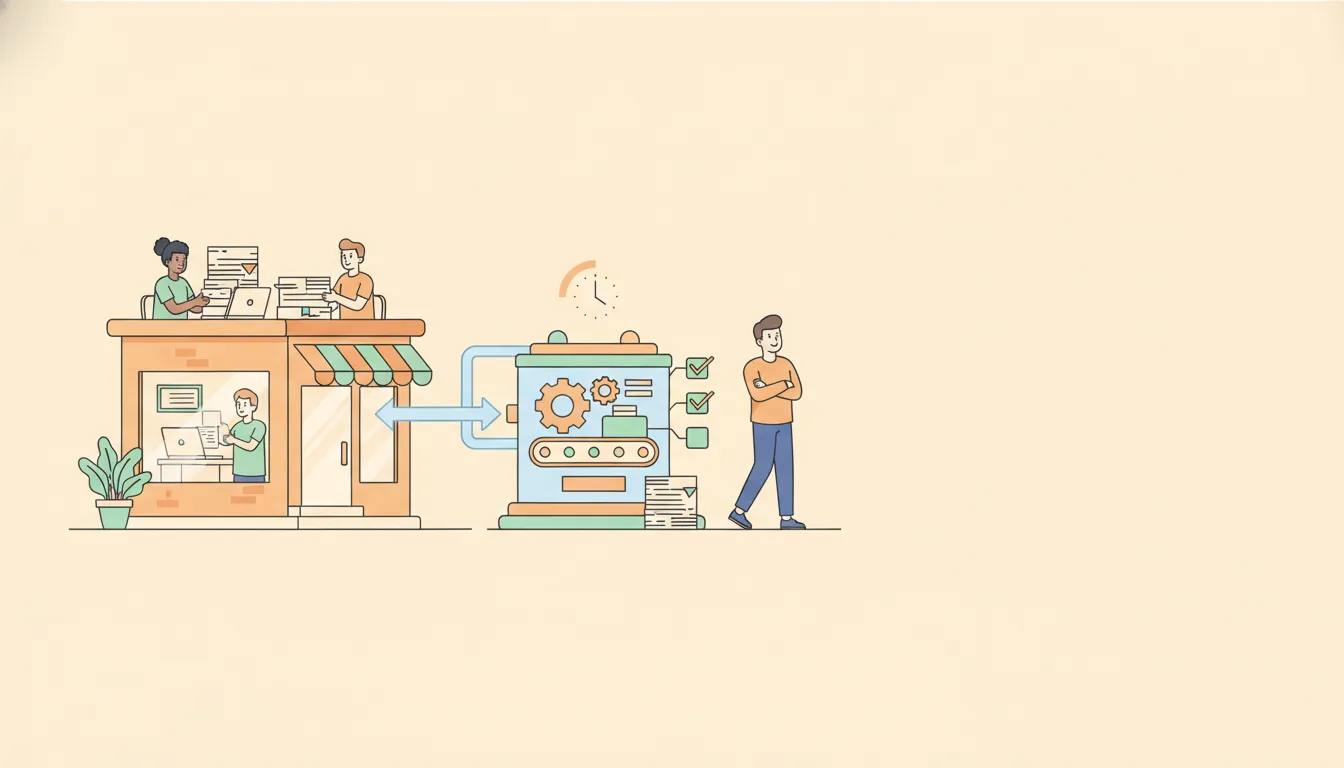
Most advice about systemizing a business starts with giant diagrams, endless process maps, and 30-page manuals. That approach works for massive corporations with consulting budgets and armies of analysts, but it is a lousy fit for small businesses and small nonprofits that need wins fast, with limited time and team capacity.
This is a practical, realistic framework you can use to systemize any part of your organization in 35 minutes or less. It strips away the fluff, focuses on what actually moves the needle, and gives you a repeatable path that scales as your team grows.
Why the textbook approach stalls small teams
The traditional systemization path looks like this: map the entire business, zoom into everything, document every single step in painstaking detail, then test with a complete stranger until the instructions are flawless. On paper that sounds tidy and rigorous. In reality it ends up being a one-time exercise that collects digital dust.
Here’s the problem for small operations:
- It's slow. Creating 15 to 30 page work instructions for each process takes hours. Multiply that by the 200 to 500 processes many small businesses actually run and you’re buried before you start.
- It's brittle. A single, complicated process map often only the creator understands. When people leave, that tribal knowledge goes with them.
- It focuses on perfection instead of impact. Teams spend time polishing documentation instead of fixing the things that cause the most pain today.
That doesn’t mean documentation isn’t valuable. It is. But the secret for small teams is to make systemization fast, targeted, and iterative. Solve the painful, high-value problems first, then move on.
Overview: a six-step, 35-minute systemization loop
Think of systemization as a repeated short cycle you use across the business. Each cycle takes about 35 minutes and focuses on one area. Do this over and over and the improvements compound.
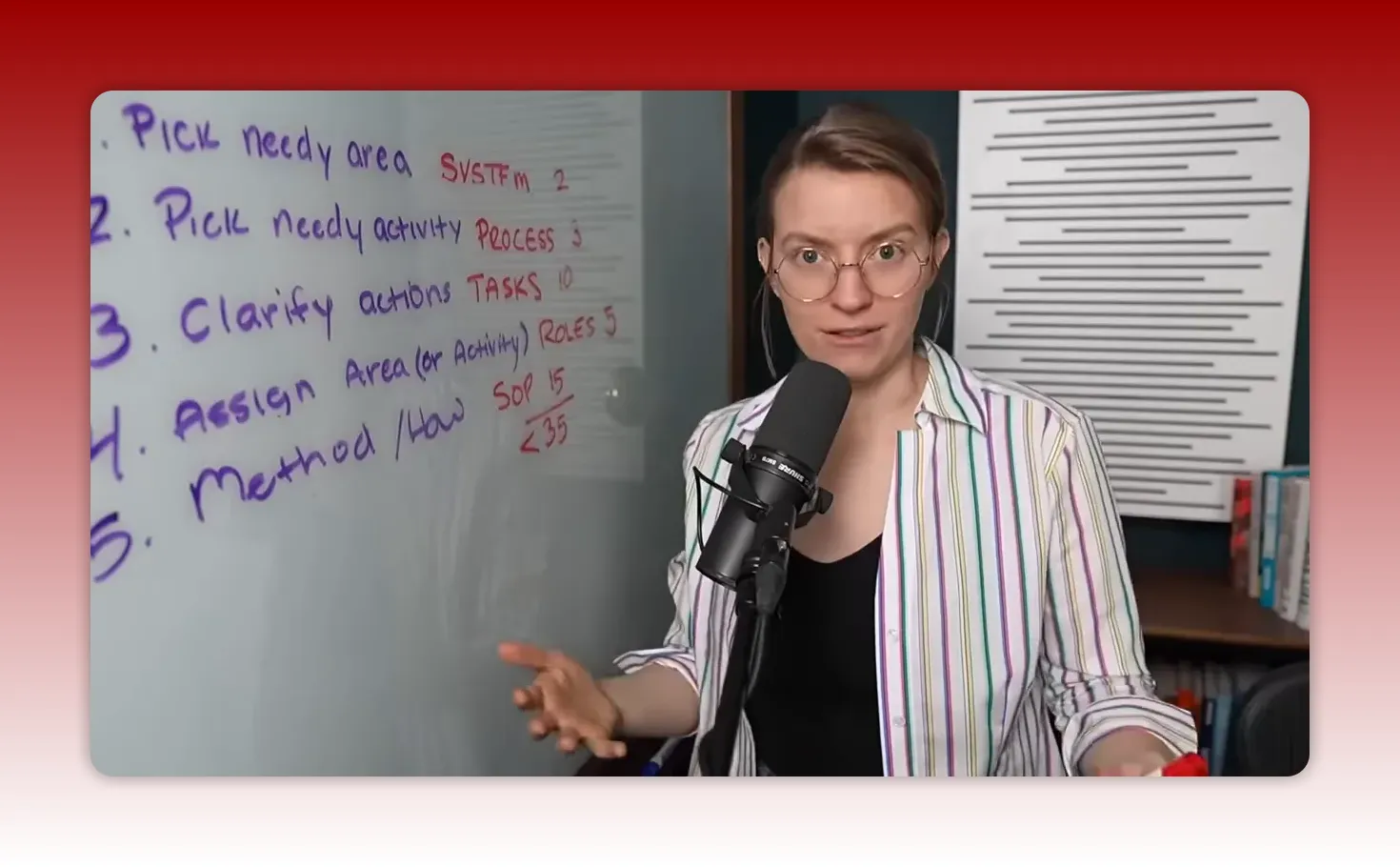
Here are the six steps you can run in under 35 minutes:
- Pick a needy area — find the part of your operation that creates value but constantly hurts.
- Pick a needy activity — within that area, choose the activity that causes the most pain and has the most upside.
- Clarify actions (tasks) — list what happens, when it happens, and who is responsible.
- Assign an area (delegate) — give ownership to one person, or to your future self if you’re solo.
- Capture the method (SOPs) — gather templates, examples, short instructions, and tools so the work doesn’t stall if the owner is away.
- Review, measure, and iterate — confirm the improvement, capture time saved, and reinvest that time into the next cycle.
Below is a step-by-step playbook with practical prompts, time estimates, examples, and guidance to make each cycle fast and effective.
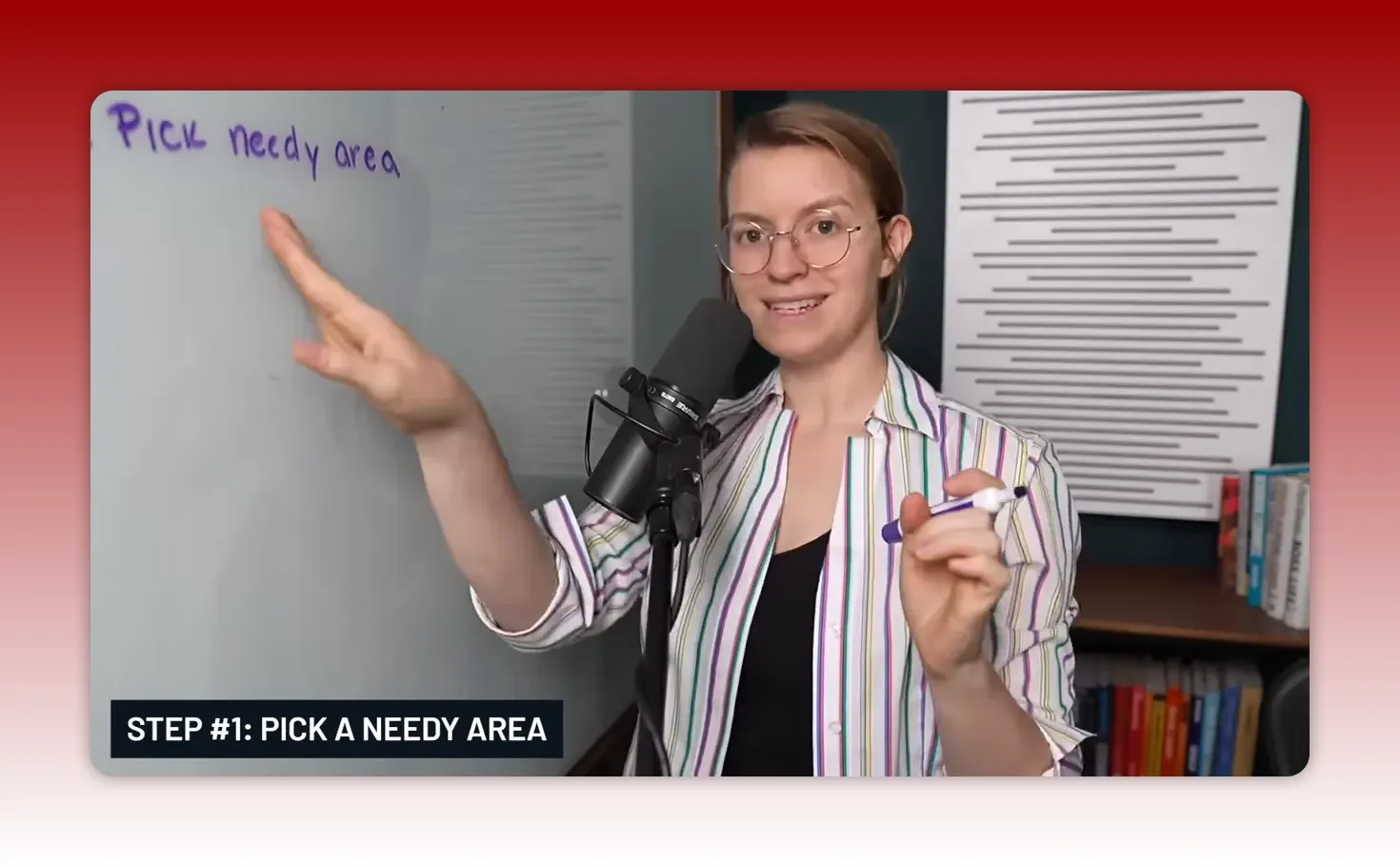
Step 1 — Pick a needy area (2–5 minutes)
A needy area is a part of your organization that meets two criteria: it clearly generates value, and it is a recurring pain point. This might be onboarding new clients, delivering your service or product, a crucial sales conversation, grant reporting for a nonprofit, or even content marketing that never seems to convert.
Small teams can name their neediest part in 30 seconds. Use that advantage. You don’t need a 32-step prioritization exercise. You need honest judgment.
Quick prompts to help you pick:
- Where do you personally spend the most time every week fixing the same thing?
- Which activity creates tension with customers or donors?
- Which process, if improved, would unlock more revenue, more impact, or less stress?
Choose one area and move on. The goal is momentum, not perfection.
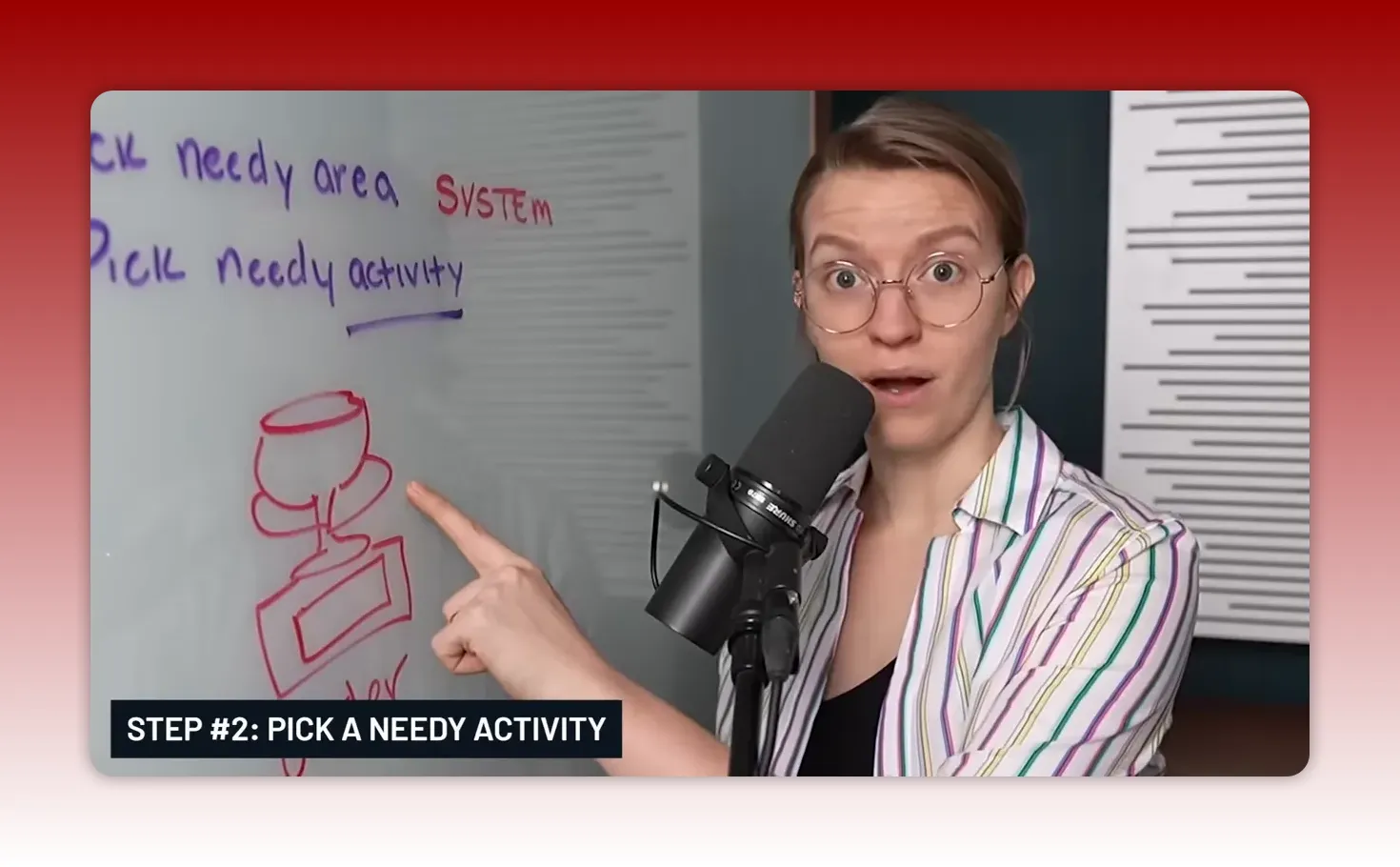
Step 2 — Pick a needy activity inside that area (3–6 minutes)
Once you have the broader area, zoom in on the activity inside it that both hurts and matters the most. This is where small improvements yield big returns.
Example: A neighborhood sign shop that delivers trophies might identify the system "Order fulfillment and delivery." Within that system, the most painful activity might be ordering materials. Ordering might be slow, error-prone, or blocking production.
Questions to ask when choosing the activity:
- Which sub-process causes recurring delays?
- Where do mistakes show up most often?
- Which activity can be fixed quickly and will save time weekly?
Picking wisely here sets you up for a fast win.
Step 3 — Clarify actions: write tasks as what, when, and who (8–12 minutes)
This is often the most overlooked step. Processes are only useful when broken into tasks with an owner and a cadence. Tasks are what make processes operational.
For the ordering example your tasks might include:
- Check upcoming orders every Monday morning — assigned to the shop lead.
- Call suppliers for low-stock items every Tuesday — assigned to purchasing coordinator.
- Log incoming shipments and confirm quantities on arrival — assigned to receiving clerk.
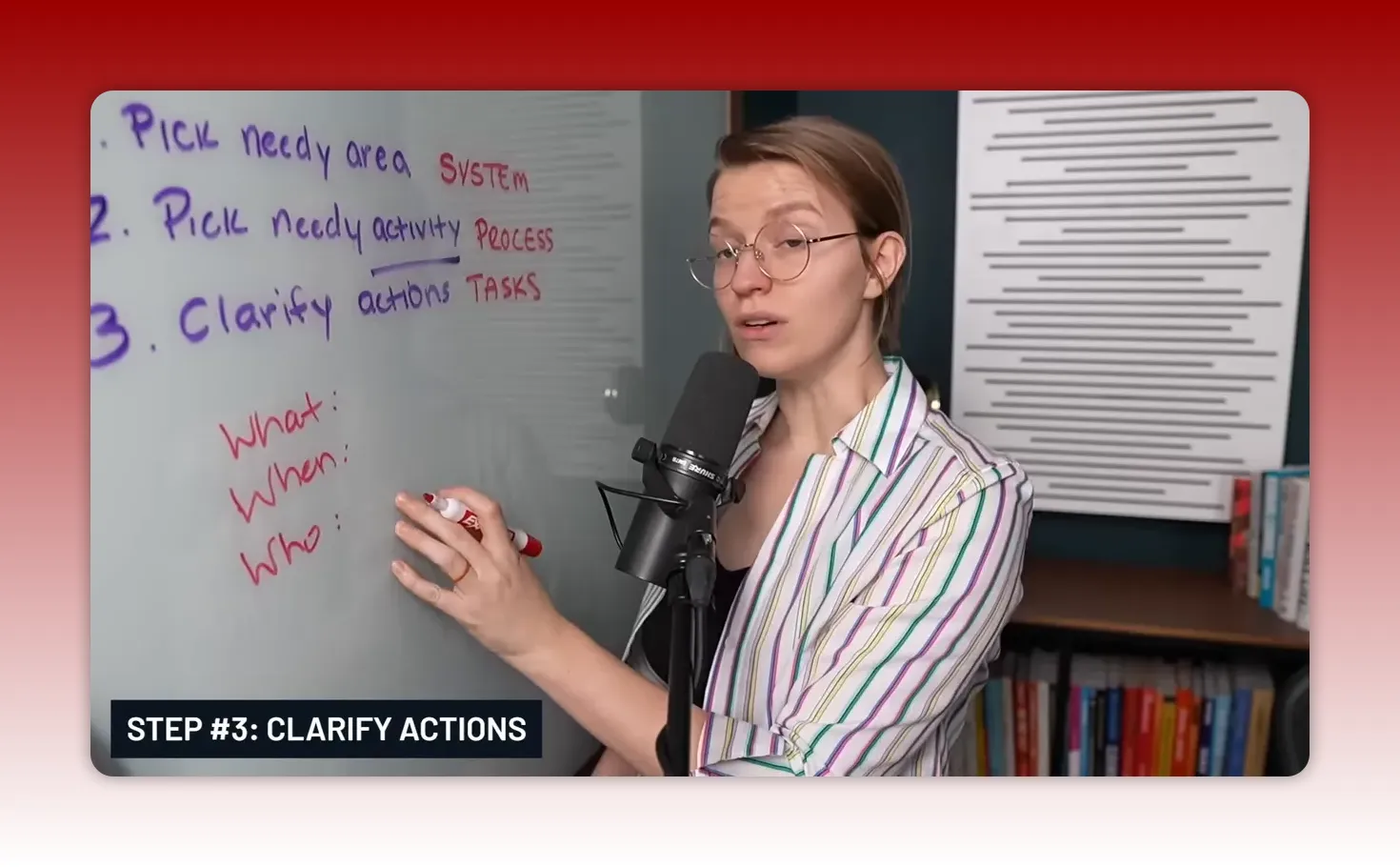
Use this simple template for each task:
- What — short description of the task.
- When — frequency or trigger (daily, weekly, on order arrival).
- Who — the person or role responsible.
Write as many tasks as it takes to represent the activity. Keep each task brief, actionable, and unambiguous. This step is the backbone of the system — it creates cadence, visibility, and predictability.
Step 4 — Assign an area: delegate responsibility, not just tasks (5–8 minutes)
Delegating individual tasks is useful, but assigning someone ownership of the entire area is transformative. Ownership means responsibility for execution, improvement, and handling mistakes.
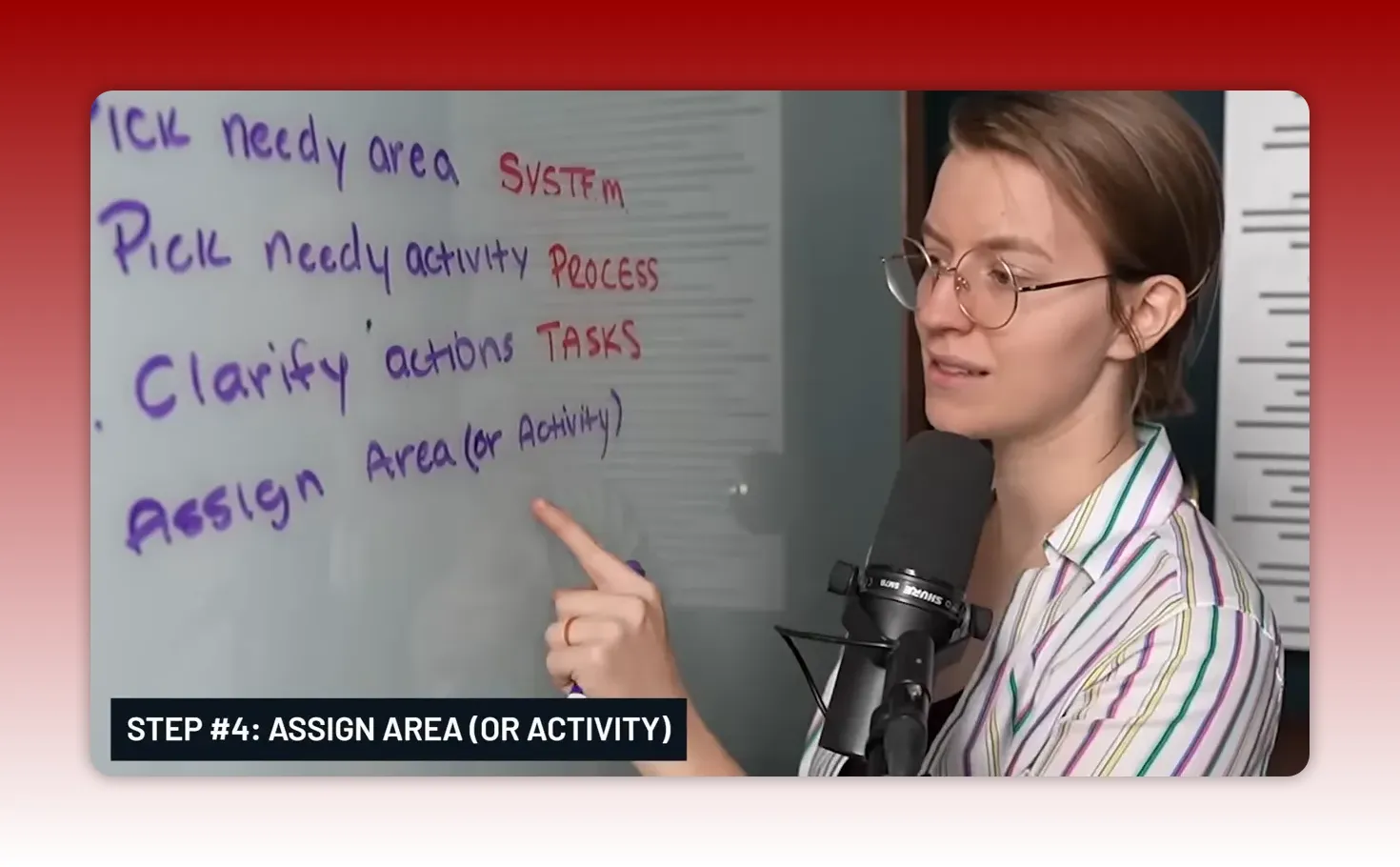
If you only have freelancers or VAs, task-level delegation might be all you can do. If you have employees or a growing team, give someone an area to own. Think of assigning an area as giving a baby a mentor rather than a babysitter.
When assigning ownership, include three expectations:
- The owner makes sure tasks get completed.
- The owner improves the area over time.
- The owner handles mistakes and ensures fixes are implemented.
If you are running solo, assign the area to "you (future self)" and make small changes now to make your future life easier. Document the basics so when help arrives, onboarding is simple.
Step 5 — Capture the method: collect SOPs, templates, and examples (8–12 minutes)
Now that someone owns the area and the tasks exist, the next step is to capture the method of how the work is done. This doesn't have to be a 30-page manual. It should be useful, concise, and available in one place.
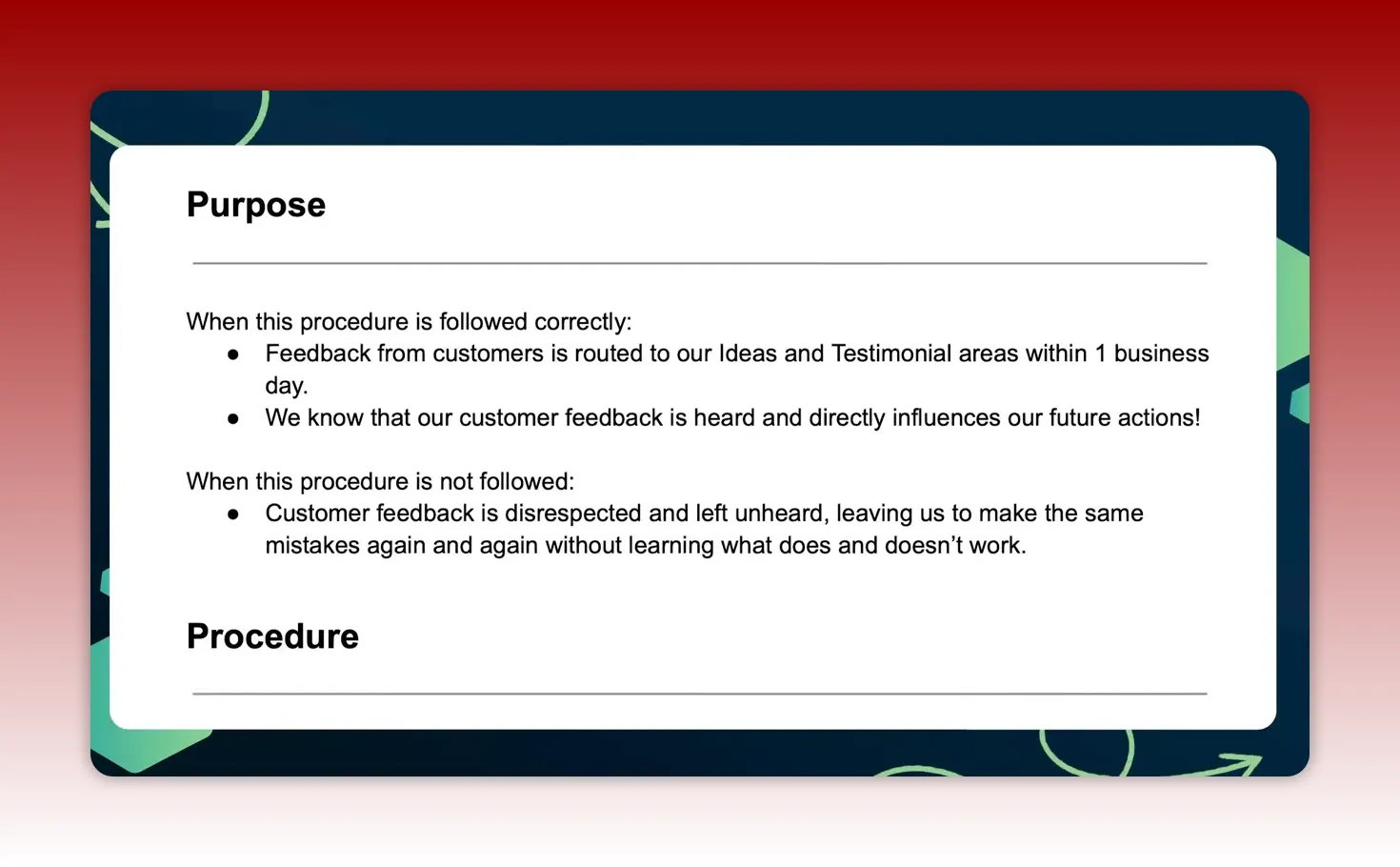
What to capture:
- Short SOPs — a one-page recipe for common tasks. Use bullets and screenshots where helpful.
- Templates — email templates, invoice templates, intake forms, or grant reporting templates.
- Examples — good completed examples that show what success looks like.
- Tool links — links to the software, spreadsheets, or platforms used to do the work.
- AI prompts — for teams using AI, include reliable prompts to speed routine content or communication.
Two practical rules make SOPs work for small teams:
- Keep them short and actionable. A one-page SOP plus a quick checklist is far better than a long theoretical manual nobody reads.
- Store them where people already work. Put SOPs inside your project tool, shared drive, or the platform the team opens every day.
My average with this framework is around 12 minutes per SOP. That may sound impossible if you've been trained to produce dense documentation, but the reality is useful documentation is concise and focused on what people actually need to do.
Step 6 — Review, measure time saved, and iterate (2–5 minutes)
After the owner has implemented the tasks and captured the method, check whether pain decreased and time was freed up. If ordering used to take 30 minutes every week and now takes 10, that 20 minute weekly win compounds quickly.
Quick metrics to track:
- Time spent per week on the activity before and after.
- Number of errors or rework events per month.
- Stakeholder satisfaction (internal or external), e.g., a simple thumbs-up/down or brief survey.
Use saved time to run another 35-minute cycle on the next needy area. Repeat. After several cycles the business will look radically different. Small, frequent wins beat a slow, all-consuming overhaul every time.
How to make this stick in your small business or nonprofit
Systemization succeeds when it is baked into everyday work rather than treated as a special project. Here are practical ways to embed this loop:
- Make 35-minute sprints part of your calendar. Block a recurring hour each week to run one cycle. Small organizations can rotate ownership across the team so everyone helps improve different areas.
- Create a single source of truth. Put SOPs, templates, and task lists in one searchable place. When people know where to look, adoption rises.
- Start with onboarding and delivery. These systems impact customer experience and internal stress the most. Fixing them first pays early dividends.
- Use the “future you” trick if you’re solo. Document enough now so the next person you hire can be productive on day one.
- Set clear ownership expectations. Make sure the owner knows they are responsible not just for completing tasks but for improving the system and fixing mistakes.
Examples of quick wins for small teams and nonprofits
These examples show how the 35-minute loop translates into concrete improvements:
Client onboarding for a small agency
Problem: New clients enter the system with missing info, causing time-consuming back-and-forth emails.
35-minute solution:
- Step 1: Pick needy area — Client onboarding (1 minute).
- Step 2: Pick needy activity — Intake form completion (2 minutes).
- Step 3: Clarify tasks — Create a checklist: send intake form, confirm receipt, schedule kickoff call (10 minutes).
- Step 4: Assign area — Give ownership to account manager (2 minutes).
- Step 5: Capture method — Create a simple intake form and an email template in the tool you already use (10 minutes).
- Step 6: Review — Track time saved the first month and iterate (10 minutes).
Result: Faster, smoother onboarding and less time chasing missing client information.
Donation processing for a small nonprofit
Problem: Donations get recorded inconsistently and receipts are delayed.
35-minute solution:
- Create a checklist for donation logging and receipt sending.
- Assign a volunteer or staff member as the owner with a weekly cadence.
- Make a short template email for receipts and store copies of bank upload receipts in a shared folder.
Result: Fewer errors, faster donor acknowledgment, and clearer audit trails.
Retail restocking for a micro-business
Problem: Stockouts on key items cause missed sales.
35-minute solution:
- Set a weekly inventory check task and assign it to a team member.
- Capture the reorder method: minimum stock levels, preferred suppliers, and quick order templates.
- Track stockouts for one month and adjust reorder cadence based on data.
Result: Reduced stockouts, smoother operations, and improved sales consistency.
Common pitfalls and how to avoid them
Even the simplest framework can fail if applied poorly. Here are trouble spots and quick fixes:
Trap: Trying to document everything at once
Fix: Focus on one needy area and one activity at a time. Small wins build momentum and credibility.
Trap: Delegating tasks instead of ownership
Fix: Assign an area or system owner who is accountable for outcomes and improvements, not just for ticking boxes.
Trap: Writing long manuals no one reads
Fix: Create short SOPs, templates, and examples. Put them where people work and make them actionable.
Trap: Not tracking impact
Fix: Measure time saved and quality improvements. If a change doesn’t help, pivot quickly.
Tools that make the 35-minute method easier
You don’t need fancy software to start. Use the tools your team already uses. A few suggestions for small teams:
- Shared documents — Google Docs or Office files for short SOPs and templates.
- Task boards — Trello, Asana, ClickUp, or whatever small teams use to track cadence and tasks.
- Central storage — a shared drive or folder for templates, examples, and screenshots.
- Communication — Slack or email for quick clarifications and handoffs.
- Simple forms — Typeform, Google Forms, or a built-in intake form in your CRM.
Pick one place to store SOPs and link them inside your task tool so owners can find instructions when they need them.
Checklist: Run a 35-minute systemization session
Use this quick checklist to run a focused session that produces a real outcome.
- Pick a needy area (2 minutes).
- Pick the single needy activity inside that area (3 minutes).
- List tasks with what, when, who (10 minutes).
- Assign ownership (5 minutes).
- Create a short SOP or template and save it where people work (10 minutes).
- Record a baseline metric (time spent, errors) and schedule a review (5 minutes).
Adjust times based on your context, but keep the session short and results-focused.

How this approach scales as your team grows
Small teams benefit from speed. As the organization grows, the small cycles build a layered, maintainable system:
- Short cycles create clarity. Ownership is assigned early, so new hires understand expectations.
- Documentation grows organically. Instead of a single huge manual, you end up with many small, relevant SOPs tied to owners and tasks.
- Continuous improvement is baked in. Owners are expected to improve their areas, so processes evolve rather than stagnate.
Big-picture mapping and enterprise-level process design still have a place for organizations that need them. But for small businesses and nonprofits, the compounding effect of focused, repeatable 35-minute improvements is the fastest route to operational freedom.
Realistic expectations
This method is not about achieving perfect documentation instantly. It is about removing the things that make your week painful and replacing them with simple, repeatable habits that save time and reduce stress.
If an activity costs you 30 minutes every week, a 35-minute fix that eliminates or reduces that 30-minute burden pays for itself in a week. Keep reinvesting saved time into another fix and you’ll be surprised how quickly the business becomes less dependent on any single person.
Final thoughts
Systemizing a business does not require complex diagrams, hours of documentation, or an external consultant. It requires disciplined prioritization, clear tasks with cadence, ownership, and just enough documentation to keep the work moving when people change roles or take time off.
Use the six-step loop as a habit: pick something that hurts, fix the painful part, assign ownership, capture the method, measure the win, then repeat. Do this enough times and the business will run with far less friction, without relying on one person to keep everything afloat.
Frequently asked questions
How do I pick a needy area if everything feels important?
Look for the conflict between high value and high friction. Ask where you spend the most repetitive time each week, where customers complain most, or where mistakes cost the most. If multiple areas qualify, pick the one with the fastest path to a measurable improvement.
What if I don’t have anyone to assign as the owner?
Assign the area to your future self. Create a short SOP and set a cadence for when you will revisit it. When you hire, onboard the new person with these documents so ownership can transfer smoothly.
How detailed should SOPs be?
Keep SOPs concise and actionable. Focus on steps people actually need to follow and include examples or screenshots for non-obvious points. A one-page SOP plus a checklist is usually sufficient for routine tasks.
How often should I run these 35-minute cycles?
Start with one per week. If your team is small, rotate the focus across areas so each owner participates. The pace should be consistent enough to build momentum but not so fast that documentation and adoption suffer.
Can this method work for nonprofits with volunteers?
Yes. The emphasis on short SOPs, clear owners, and templates makes it easier for volunteers to step in and perform tasks reliably. Assigning an area to a committed volunteer or staff lead ensures continuity.
How do I measure impact after a change?
Record baseline metrics before the change: time spent, errors, or stakeholder satisfaction. After implementation, measure the same metrics weekly or monthly and compare. Even small time savings compound quickly.
What tools do you recommend for storing SOPs?
Use a tool your team already uses: a shared drive, your project management tool, or a centralized knowledge base. The best place is the one your team checks regularly so people find SOPs when they need them.
How do we prevent owners from becoming bottlenecks?
Expect owners to delegate tasks and improve processes. Encourage cross-training, keep documentation current, and rotate ownership occasionally to spread knowledge. The goal is to make the system less dependent on any single person.
This article was created based on the video How to Build Systems (so your business runs without you).


